-
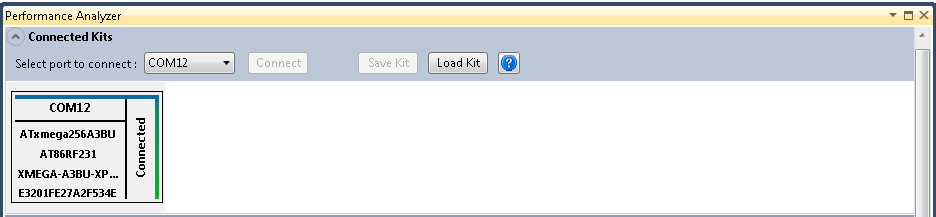
Select a kit from the Connected Kits View
-
Save Kit button, which is located on top of the Performance Analyzer will be enabled if the kit is ready to be saved
-
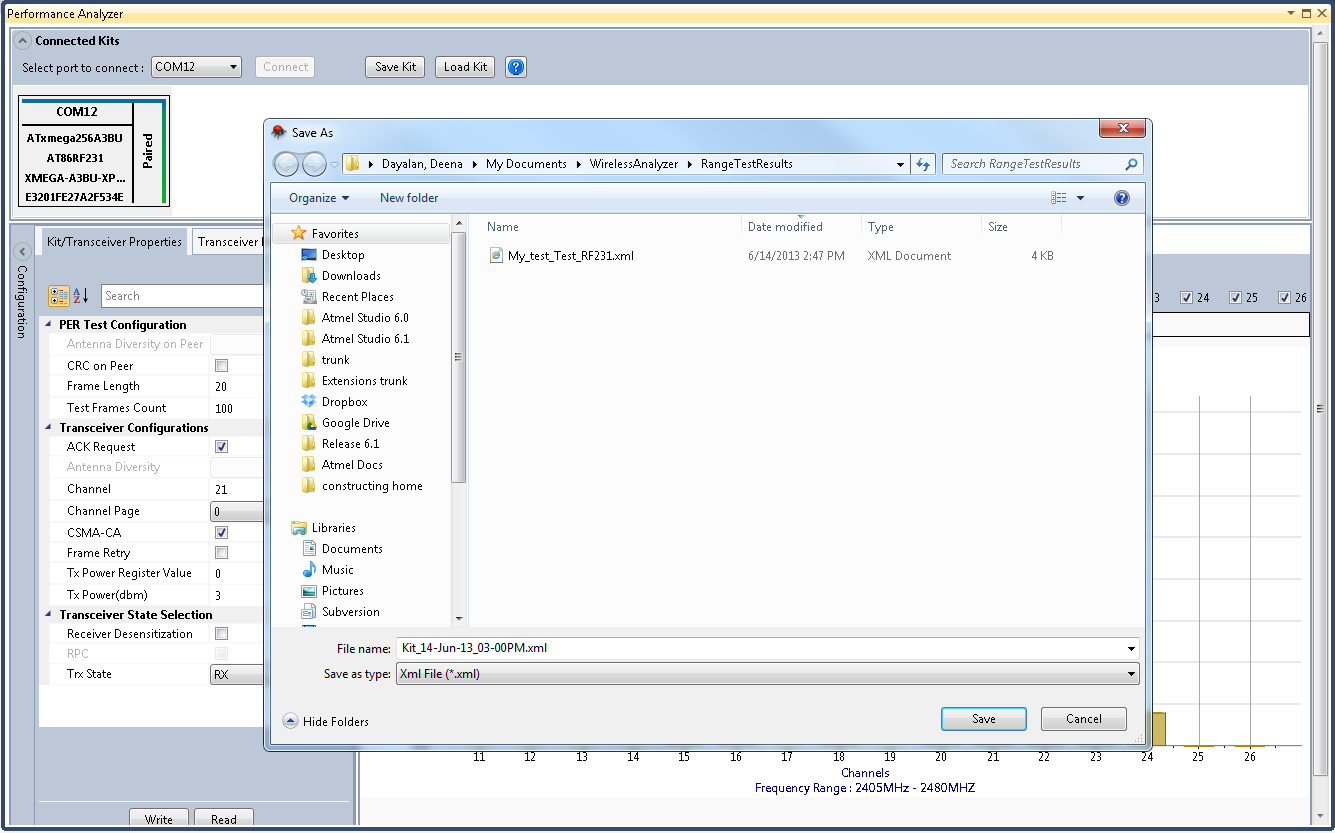
When Save Kit button is clicked, a Save As dialog box will appear
-
In the Save As dialog box, select any location and choose a name for the file, and then click Save
Note:
Save Kit will be disabled for
the kits in which the performance application has not yet started.