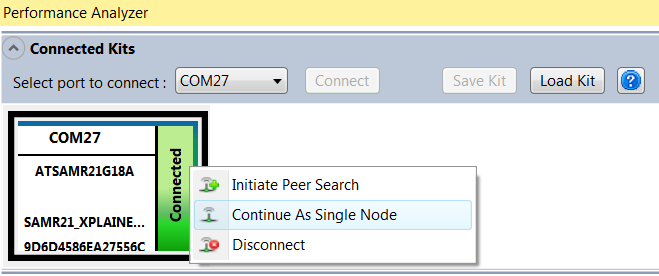
In this mode, the connected wireless kit will work as a standalone device without a paired node.
The following are the Performance Tests that can be performed in Paired mode (or PER mode):
To configure the connected wireless kit in Single Node mode, follow these steps:
-
Right click on the kit in “Connected Kits” view to open a pop up menu.
-
Click on the menu “Continue As Single Node” in the pop up menu.