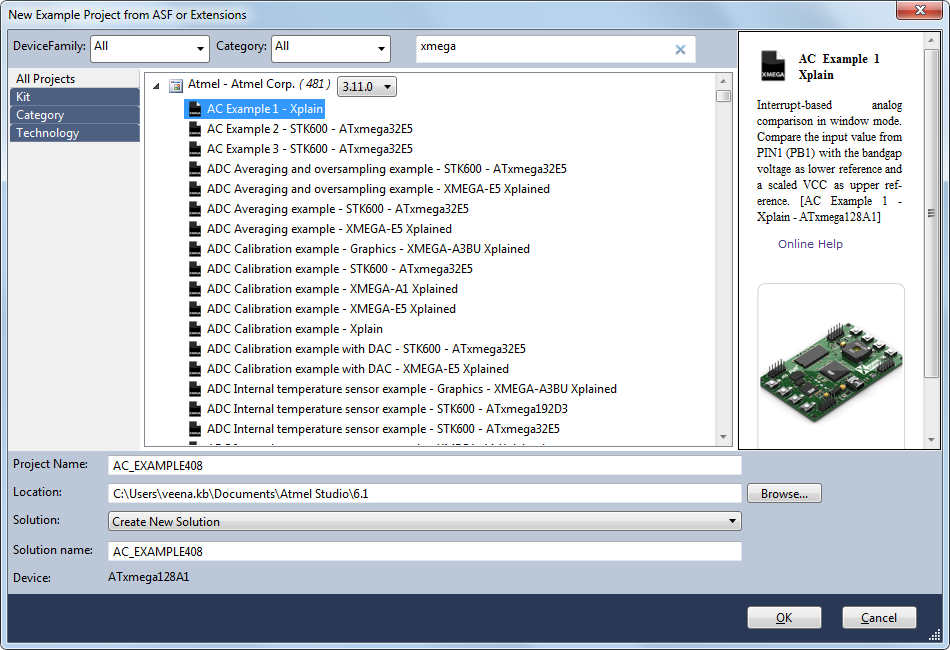
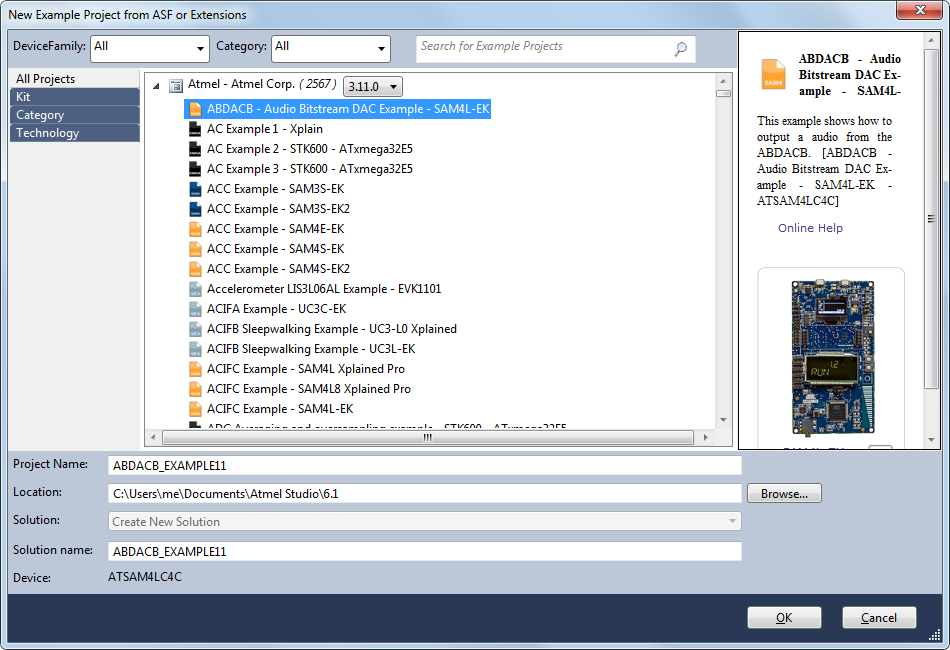
The Dialog gets invoked by selecting Example Project… from the File->New menu. It can also be invoked using the shortcut: Ctrl Shift E
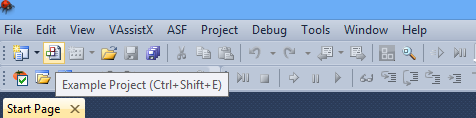
Or by invoking the icon from the Atmel Studio toolbar shown below :
ASF distributes more than one release versions. To create an example project for a specific version, user can select the appropriate ASF Version form the ComboBox shown in above diagram, and proceed.
The Dialog proposes different categories for choosing the ready to use Atmel Software Framework projects. These projects are listed under following categories.
-
All Projects
This category lists all example projects that are available.
-
Kit
This category lists example projects available for each Atmel Kit. These projects are also ready to compile and can be customized later.
-
Category
This category lists all example projects based on the categories like Applications, Components, Drivers, Services, Utils etc...
-
Technology
This category lists example projects fitting the selected technology segments like:
-
I/O
-
Timers
-
Communication
-
Cryptography
-
Touch
-
Analog Conversion…etc
-
-
Solution
By default, if there is an existing solution, the Example Project would be created in the same solution, but this can be changed. If the example project should be created in a new solution, select the option Create New Solution in the combo box.

-
Device Family
Filter and display example projects specific to a particular device family .
-
Category
Filter and display example projects associated with Drivers, Components or Services.
-
Search Text box
Example projects can be filtered by using Search Text Box. Example projects containing the specified search text in the project name containing input search text is filtered to display only projects containing the specified search text in the project name.
-
Search example
Based on the input search text, the list of example projects are filtered and displayed .