QTouch Composer start page is opened by clicking "QT" icon in the tool bar. Start page provides user easy access to create QTouch Atmel Board projects, QTouch User Board projects and to analyse data from the QTouch kits. It also contains information about the connected kits and a brief overview to get to know about QTouch composer and QTouch Library. The right side section contains information about QTouch Composer and QTouch Library and the tutorials to get proficient with the new and existing touch kits quickly
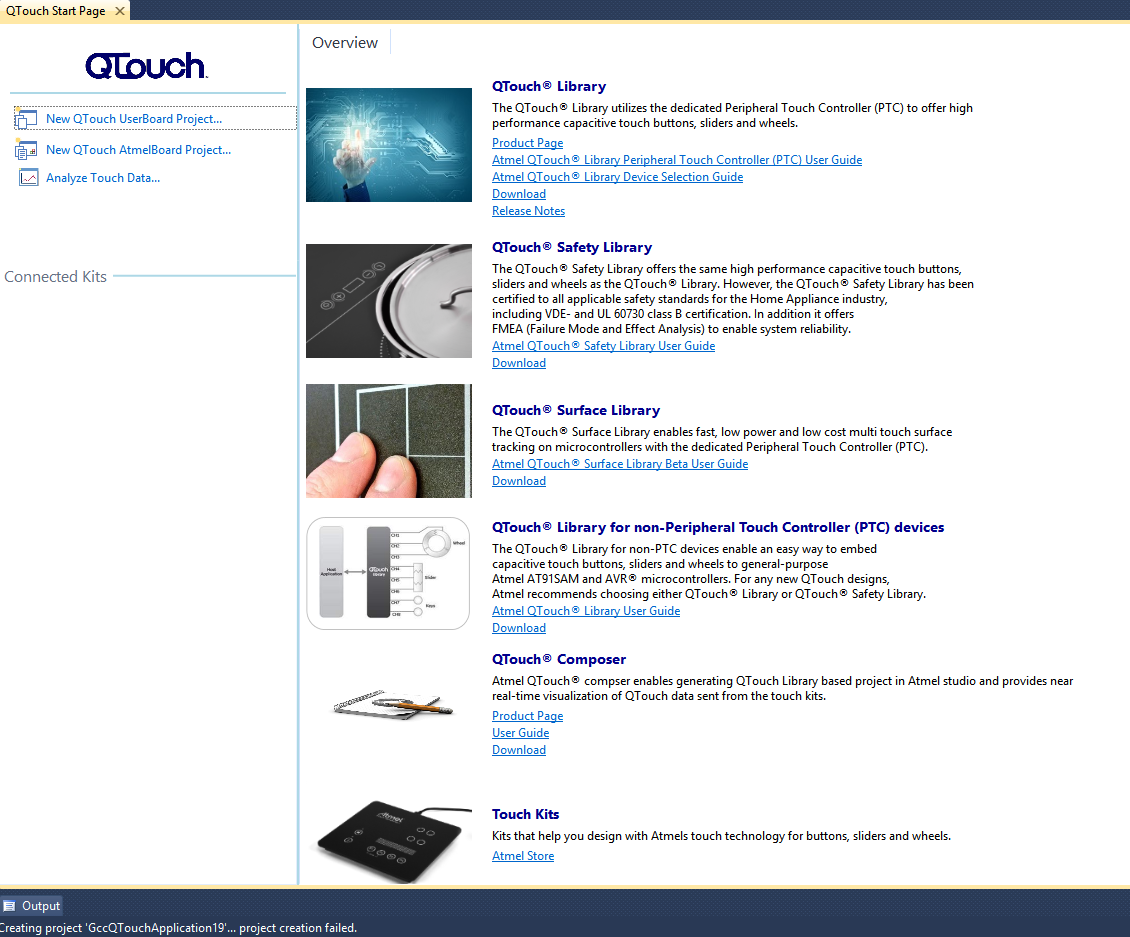
The left top most section contains:
-
New QTouch UserBoard Project - Allows user to create new GCC C QTouch Executable user board projects through QTouch project builder wizard.
-
New QTouch AtmelBoard Project - Allows user to create QTouch Atmel board example projects through ASF wizard.
-
Analyze Touch Data - Allows user to open the Qtouch Analyzer tool window wherein user can analyze multiple devices connected to the system.