The project builder is organized in the form of panes in left side that indicate each of the steps that needs to be done in order to generate a project. Surface layout is visible in most of the steps and this helps the user, visualize the overall state of project creation. The user can generate a project once all required steps are completed. The status bar provides informational messages that would guide the user towards the next step.
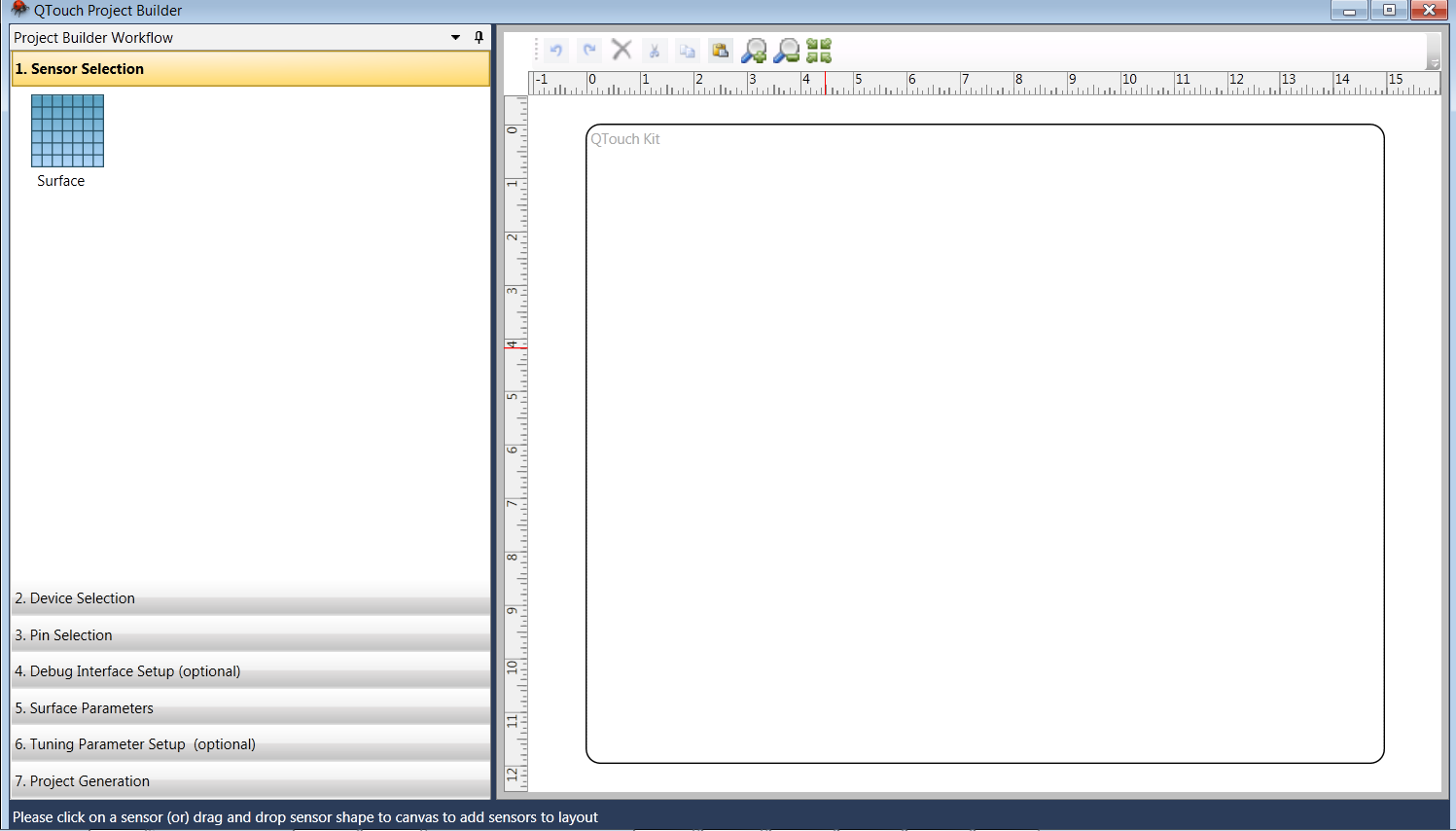
The project generation can be done by completing the following set ups
-
Surface Addition
-
Device Selection
-
Pin Selection
-
Debug Interface Set up
-
Surface Parameters Set up
-
Tuning Parameters Set up
-
Project Generation