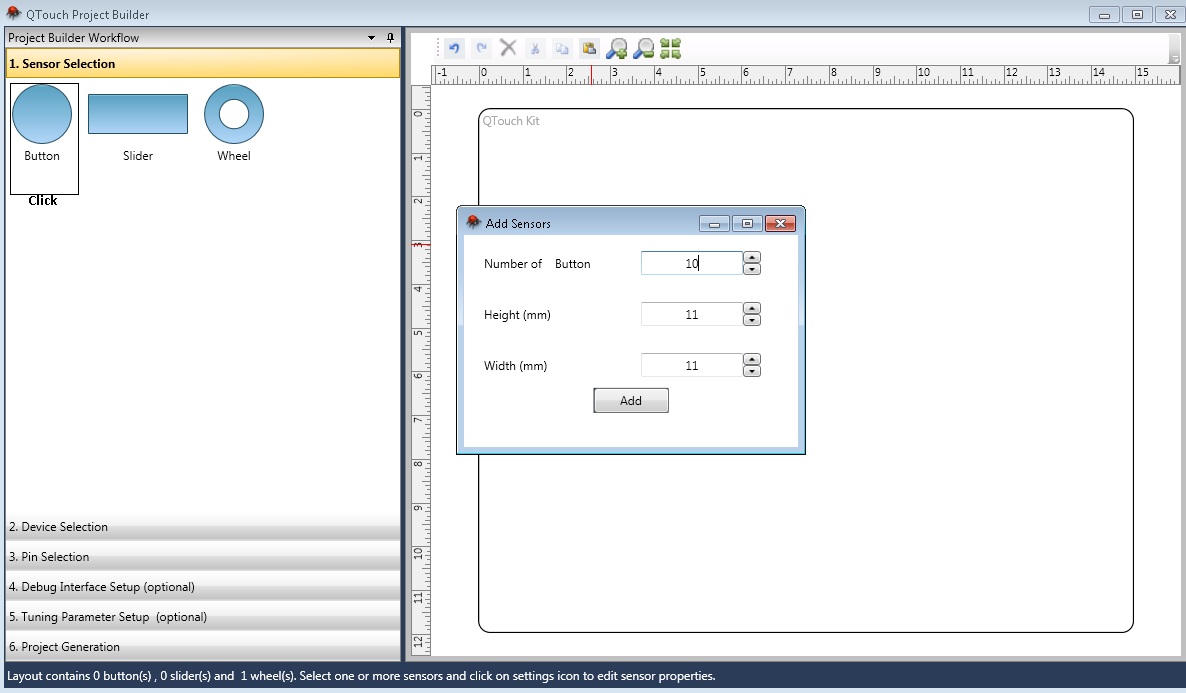
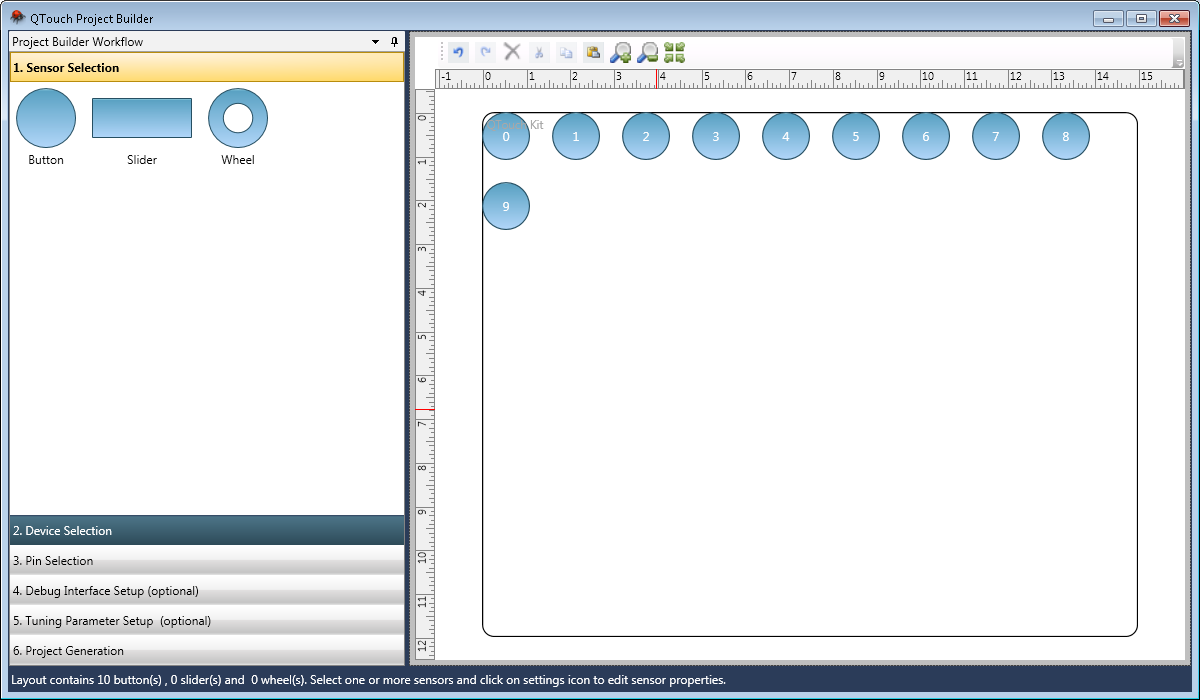
Button, slider and wheel are the kinds of sensors supported. Sensors can be added to layout in 2 ways.
-
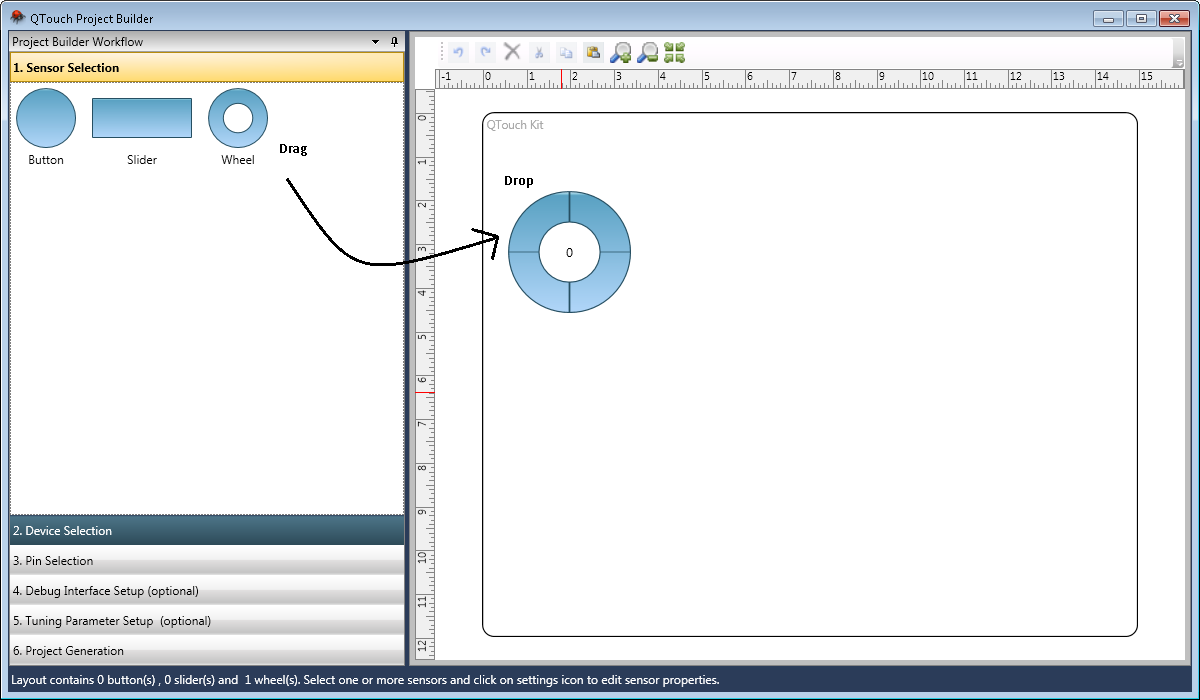
Drag and drop
Sensor can be dragged and dropped from the sensor shapes pane to the sensor layout.
-
Sensor addition dialog
Multiple sensors can be added to layout by clicking on the sensor. This launches the sensor addition dialog. The count and sensor physical properties can be entered and multiple sensors can be added at once.